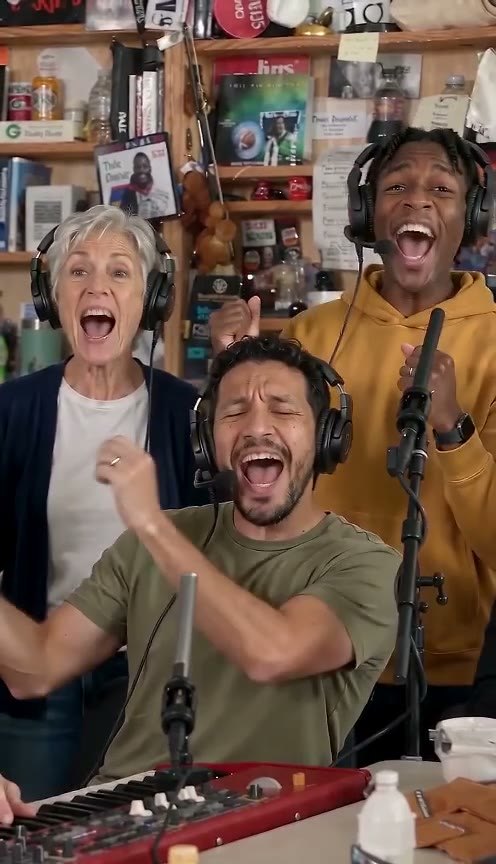
How to make an Outstanding Tiny Desk AI video
Step-by-step Outstanding Tiny Desk AI tutorial: pick the photo, add a friend on sax, get the 15-second 9:16 clip with the song and post it. No CapCut needed.
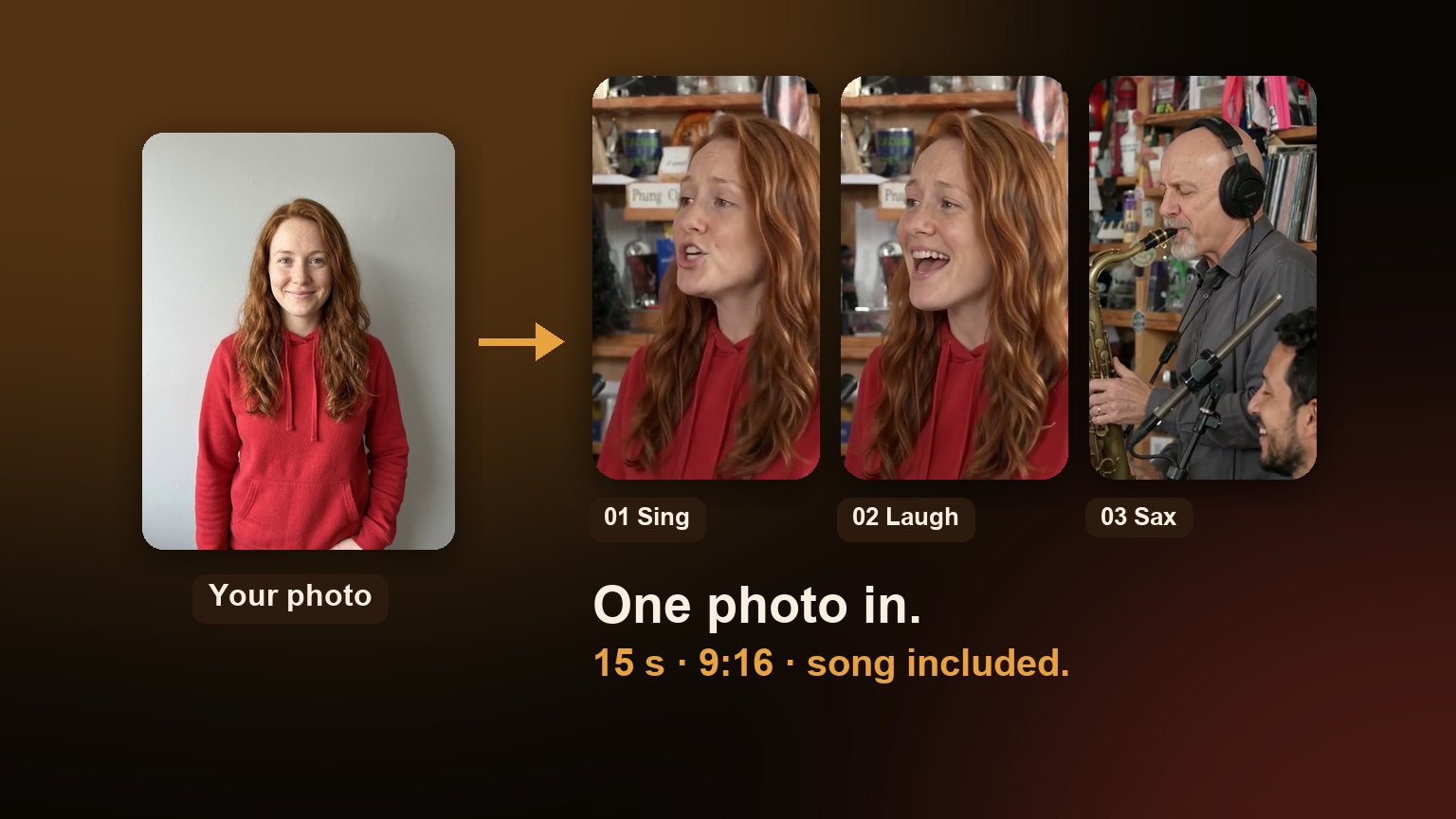
You can make an Outstanding Tiny Desk AI video from a single photo. Pick a clear picture of the person you want singing lead, upload it, add a friend on sax if you want, and download the finished clip: about 15 seconds of the Outstanding set, vertical 9:16, with the song already in sync. There's nothing to edit and no prompt to write.
What you need
- One photo of your lead singer. A coach, a teammate, a friend, or you. One adult who agreed to be in it.
- Optional: one photo of a friend for the sax solo. It doesn't change the price.
- An account with 10 credits. That's one video. Packs start at $8.90.
Step 1: Pick the right photo
The photo does most of the work. The AI carries the face, hair and visible outfit from your picture into the close-ups, so a better photo means a more convincing lead.
- One face, looking at the camera. Front-facing beats profile.
- Sharp and well lit. Daylight or a bright room; no motion blur.
- Nothing covering the face. Skip sunglasses, masks, big hats and heavy filters.
- Shoulders up, or waist up. A full-body shot from far away leaves too few pixels on the face.
- Not a group shot. Crop to one person first, or the AI may pick the wrong face.
 Clear and front-facing
 Shoulders up
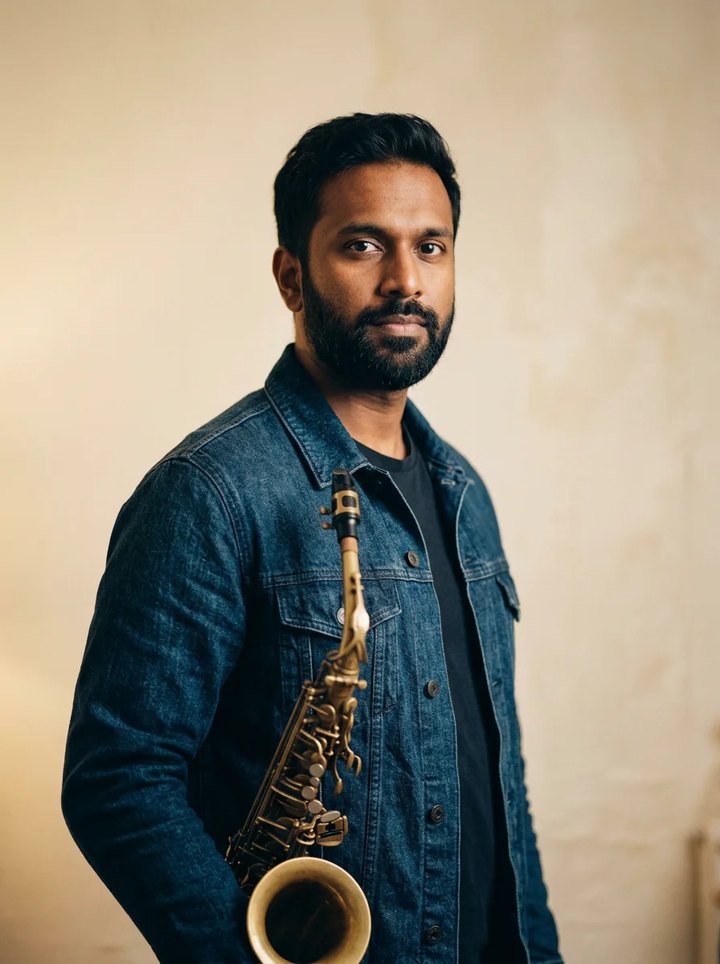 Good sax photo
Step 2: Upload it as the lead singer
Open the Tiny Desk AI generator and drop the photo on the Lead singer seat, or tap it to choose a file. JPG, PNG and WebP all work. Your lead takes Charlie Wilson's spot: the line on the mic and the big laughing close-up the meme is famous for.
Step 3: Add a friend on sax (optional)
The sax solo is its own close-up. Leave the Sax seat empty and an AI musician plays it, or add a second photo to put a friend there at no extra cost. The keys player and the back row are always AI musicians, so nobody else needs to send a photo.
Step 4: Make the video
Tick the box confirming the video is a parody and that you have permission to use the photos, then press Make my Tiny Desk video. It uses 10 credits. Generation takes several minutes; you can leave the page and find the result in My videos when it's done. If a video fails, its credits go back to your account automatically.
Step 5: Download and post
Download the MP4. It's vertical 9:16, so it fills the screen on TikTok, Instagram Reels and YouTube Shorts without cropping.
- If the app mutes the song, post the clip anyway and add "Outstanding" from the app's music library, lined up with the start.
- Label it as AI. TikTok and Instagram both offer an AI-generated label; use it.
- Write a caption that sells the joke. "Week 9 All-Loss Tiny Desk" or "the group chat after fantasy week 8" does more than any hashtag.
Do you need an Outstanding Tiny Desk AI template?
No. A lot of people search for an "Outstanding Tiny Desk AI template" or a CapCut template because the viral versions look edited. Here the template is built in: the cuts, the timing and the song are already in place, and the AI only swaps the people. You upload a photo and get the finished video back. See what the template includes.
Timing it
The trend runs on football weekends. The best time to post a coach version is Saturday night or Sunday morning, while the losses are fresh. For friends, any moment works: a birthday, a fantasy-league punishment, the end of a group project, the office's worst Monday.